


|
Name |
Luma AI |
|---|---|
|
Category |
Photography |
|
Developer |
Luma AI DEV |
| Last version | 0.5.7 |
|
Updated |
|
|
Compatible with |
Android 7.1+ |
Introduction to Luma AI APK
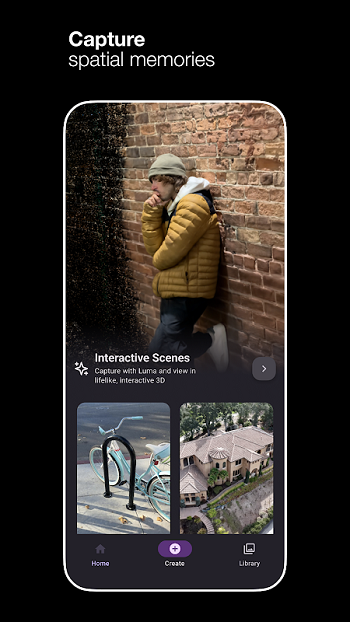
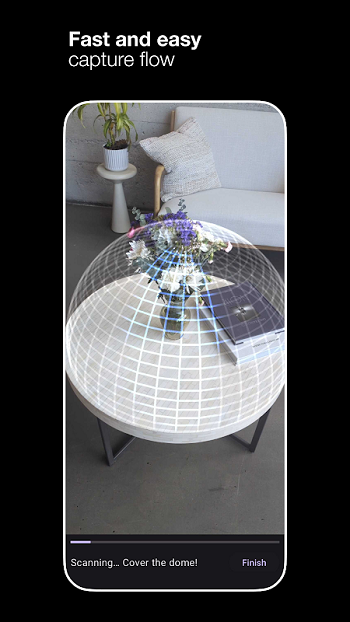
Luma AI is a 3D capture app built for phones. It lets you turn real places, objects, and moments into lifelike 3D scenes without using special camera gear. The main idea is simple: move around your subject, let the app process the scan, and get a detailed result you can view, share, or export.
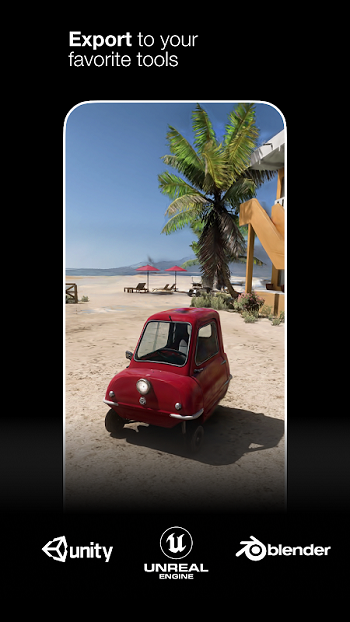
The app is mainly used for creating interactive 3D visuals from everyday captures. That includes product shots, travel scenes, room scans, and even assets for creative projects. For people who work with digital content, Luma AI can also export NeRF and Gaussian splat files for tools like Unreal, Unity, and Blender, which makes it useful beyond casual photography.
One of its biggest strengths is convenience. You only need a phone to start capturing, so the process feels much more approachable than a traditional 3D workflow. It handles much of the scanning and rendering on its own, which saves time and makes detailed 3D creation feel less like a studio task and more like something you can do on a coffee break.
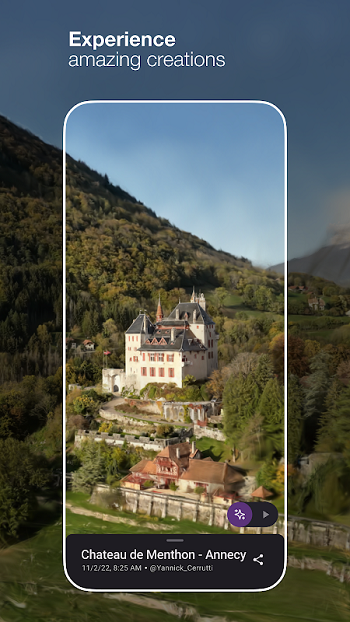
Luma AI also stands out for visual quality. It is designed to preserve fine details, lighting, and reflections, so results can look polished when the capture goes well. That makes it appealing for product previews, creative portfolios, social sharing, and prototype work. If you want to show an object from multiple angles instead of posting one flat image, this app gives you a practical way to do it.
There are some trade-offs to keep in mind. Performance can be inconsistent, especially during processing, and that may slow down the workflow. Good results also depend on how well the subject is captured. Fast movement, poor lighting, or tricky reflective surfaces can make the final scene less clean. So yes, the app does a lot of heavy lifting, but your phone and capture conditions still matter.
This app suits photography fans, digital creators, 3D artists, indie developers, and small sellers who want richer visuals without a long setup. It is especially useful when you want to present a real object or place in a more immersive way. For casual users, it can make memories look more dynamic. For creators, it can cut down the effort needed to build usable 3D content. That is a pretty solid deal for something running on a phone.
FAQs Luma AI
What is Luma AI used for?
+
Luma AI is used to capture real-world subjects as interactive 3D scenes. People use it for products, travel spots, room scans, creative projects, and 3D assets for software like Blender, Unity, and Unreal.
How does Luma AI work?
+
Luma AI works by letting you scan a subject with your phone from different angles. The app then processes that footage with AI to build a detailed 3D scene you can view, share, or export.
Can Luma AI create 3D assets for games and design projects?
+
Yes. Luma AI can export formats such as NeRF and Gaussian splats, which helps creators bring captured objects and scenes into game engines and 3D tools for further work.
Does Luma AI need special camera equipment?
+
No. Luma AI is designed to work with a phone, so you do not need a depth sensor or a separate 3D camera to start capturing scenes.
Who should use Luma AI?
+
Luma AI is useful for photographers, 3D artists, content creators, indie developers, online sellers, and anyone who wants a simple way to turn real objects or places into detailed 3D visuals.
Discover More Interesting Apps
-
 Mod
Mod
Dazz Cam
v5.0.33
24.90 Mb
Updated -
Mod
Timemark
vv10.0.260
138.00 Mb
Updated -
Mod
Lensa
v6.4.2.917
151.23 Mb
Updated -
REFRAKT
v2.0.05
112 MB
Updated -
Photobooth Web
v504
92.81 Mb
Updated -
Mod
SCRL
v1.31
115.49 Mb
Updated -
Mod
SNOW AI
v15.4.6
264.45 Mb
Updated -
B612
v15.4.6
267.33 Mb
Updated -
Mod
Retake AI
v4.1.9
153.81 Mb
Updated -
Mod
PhotoRoom
v2026.40.03
229.45 Mb
Updated









Share Your Thoughts